

PCrisk Trust Badge
Show visitors your website is safe — and let them check it!

GET the PCrisk Trust Badge from the official website
Description:
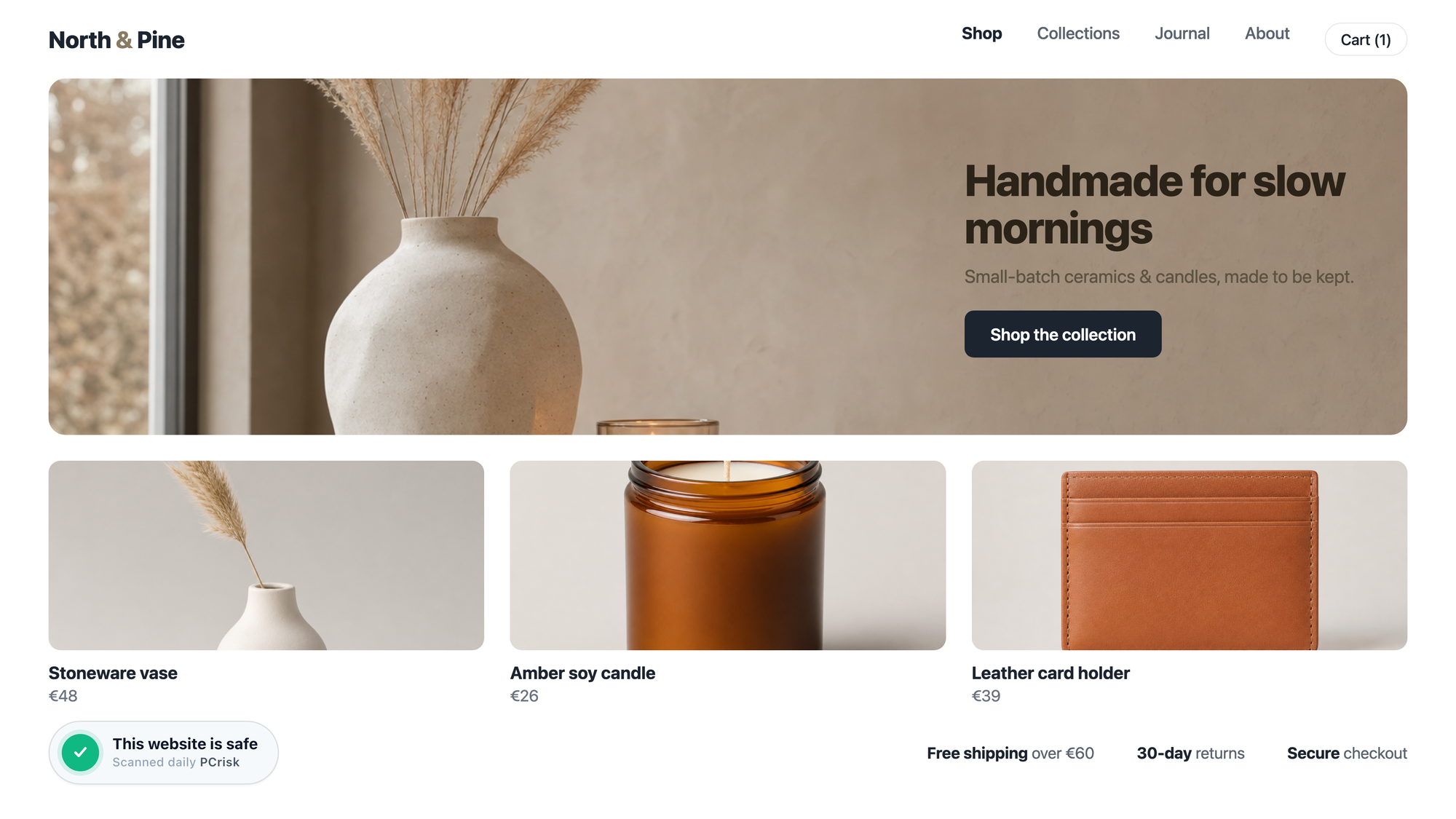
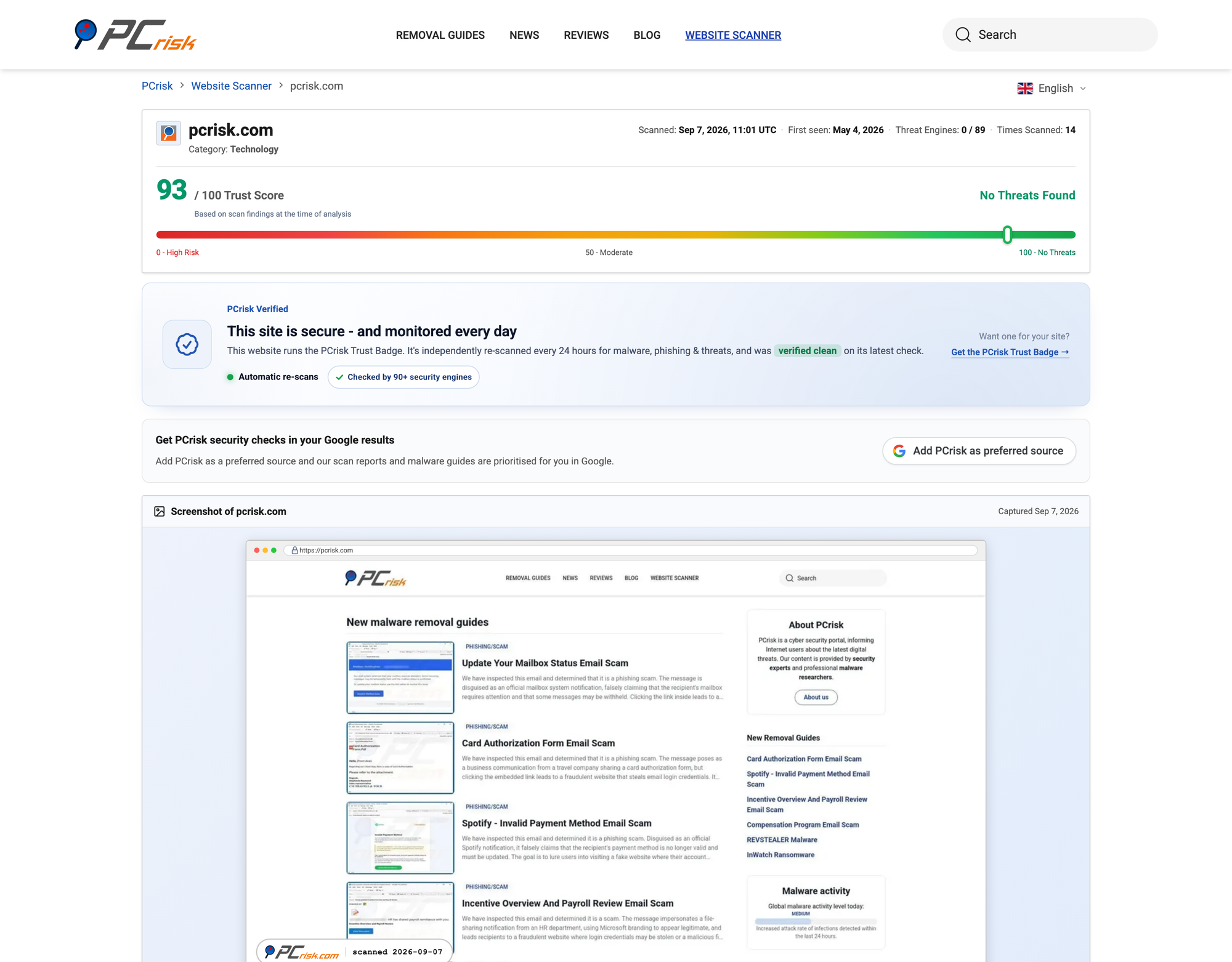
PCrisk Trust Badge is a click-to-verify security seal for websites and online stores. It shows visitors that a site is being checked for malware, phishing and blacklisting — and lets them confirm it for themselves. Clicking the badge opens the site’s live PCrisk scan report: the current trust score, malware scan results, blacklist status and the date of the latest check.
The badge is issued by PCrisk, the security portal behind the free PCrisk website scanner, and is served from PCrisk servers rather than from the website that displays it. The verification a visitor sees therefore comes from the party that performed the scan.
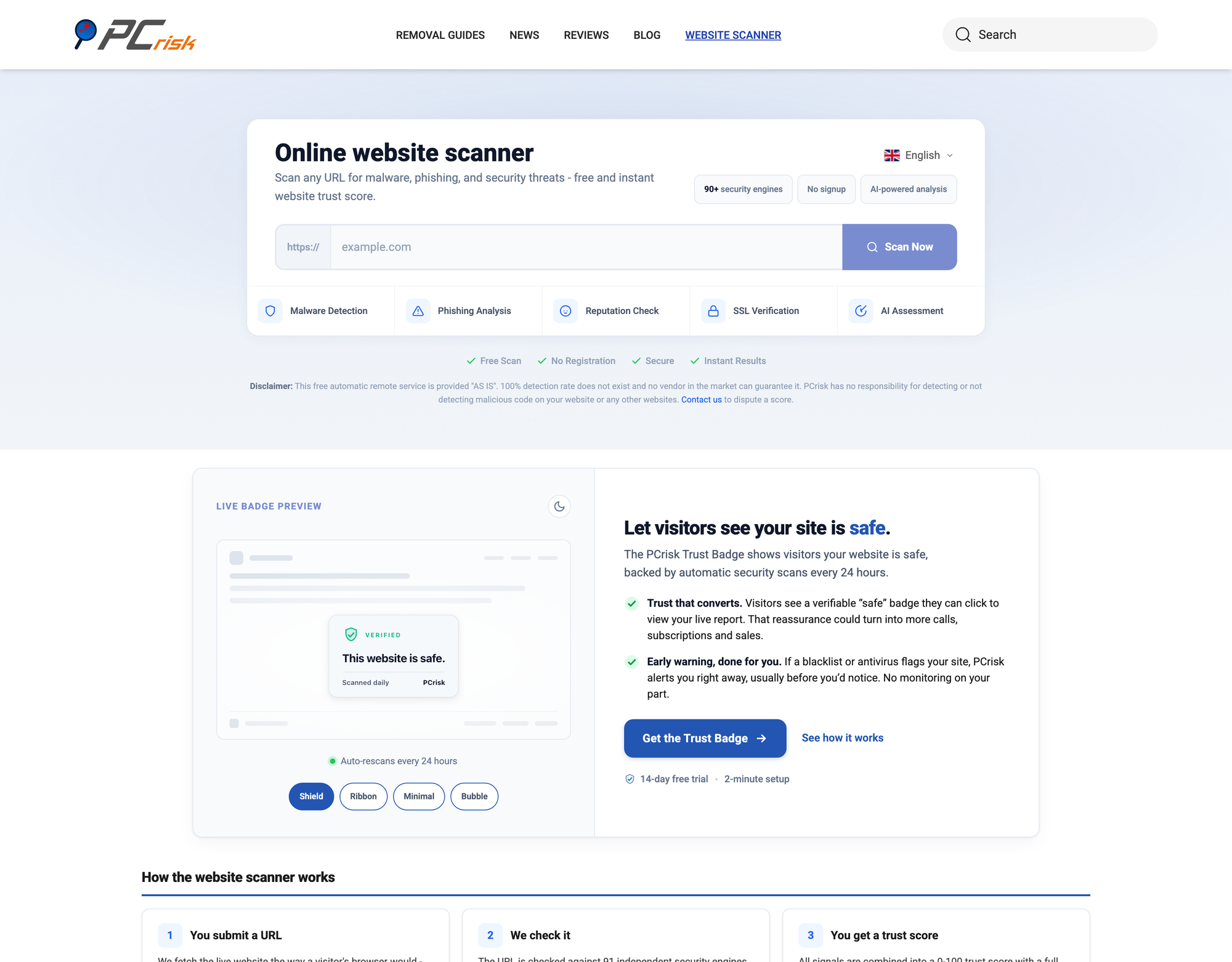
Sites are scanned from the public web — the way a search engine, an antivirus engine or a visitor’s browser sees them — across more than 90 security sources, among them Google Safe Browsing, VirusTotal, Spamhaus, SURBL, PhishTank and URLhaus. Scans cover malware and virus detection, phishing feeds, SSL certificate validity, domain reputation and blacklist status.
Features:
- Click-to-verify badge that opens a live, public scan report
- Automatic re-scans every 24 hours on paid plans, monthly on the free plan
- Checks against 90+ security engines and threat databases
- Email alert after every scan — both when something is detected and when the site is clean
- The badge appears only while the latest scan passes, and hides itself automatically if it does not
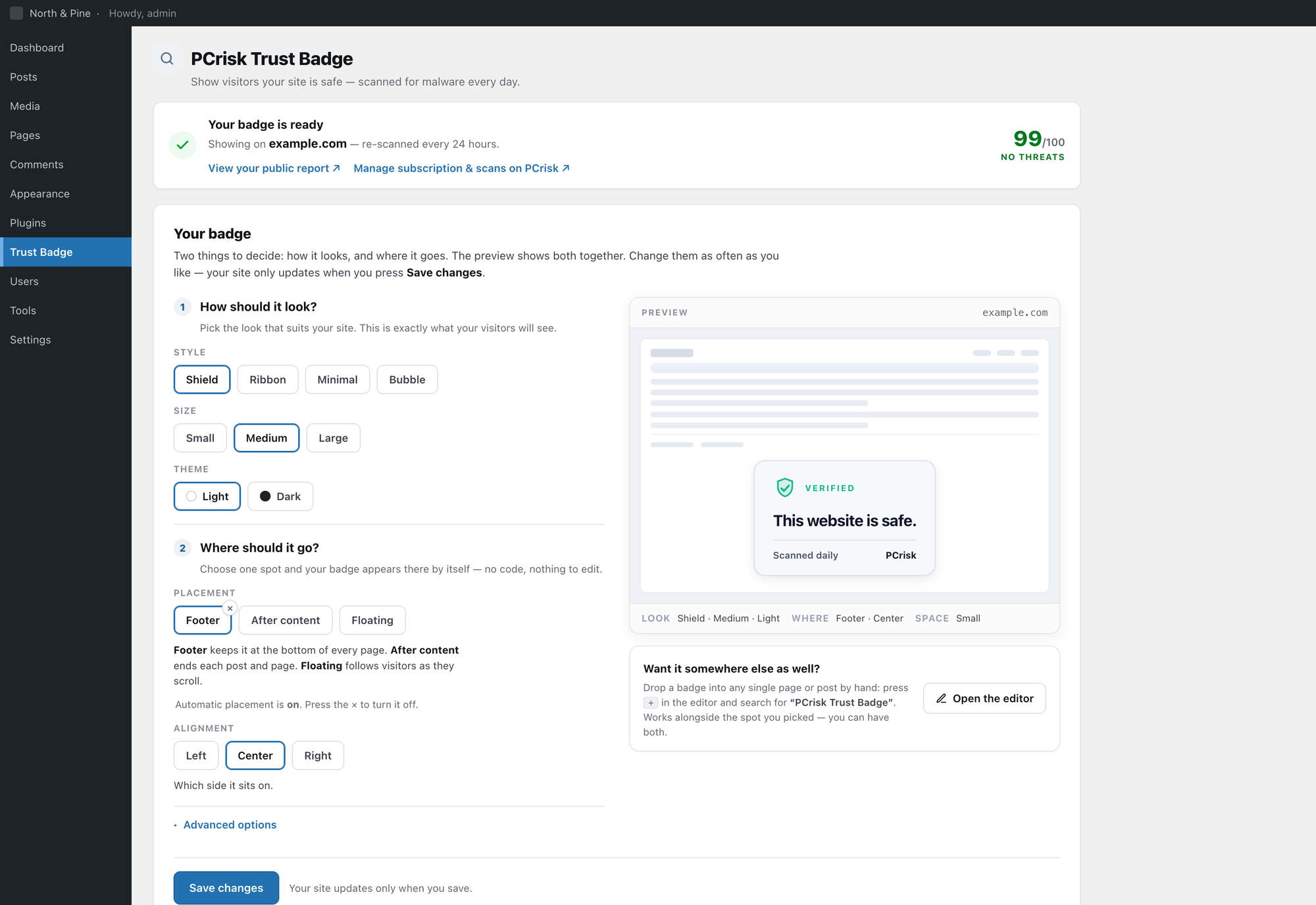
- Four badge styles — Shield, Ribbon, Minimal and Bubble — in light or dark, in three sizes
- Public scan report page for every monitored domain
- Free plan for monitoring, with the public badge available on paid plans
How to use it?
Visit scanner.pcrisk.com/trust-badge, enter the domain you want monitored and create an account. PCrisk scans the site, and once a scan comes back clean the badge is ready to place.
On WordPress, the official PCrisk Trust Badge plugin adds the badge without editing any code: choose a style, choose a placement — footer, after content or floating — and save. The plugin also detects WooCommerce and offers shop, product, cart and checkout placements. A block is available for adding the badge to individual pages and posts by hand. Support for Shopify is coming.
Any other website can display the badge by adding a single line of code to the page template.
Official website
Please visit the PCrisk Trust Badge website to get more info, scan a website for free, or request support. For questions about a scan result or a subscription, contact [email protected].
Screenshots